Find exactly what your vehicle needs using smart filters like service type, response time, and service mode.
How can I find the right service quickly?
Use AI Search for fast results or apply filters like service type, vehicle type, and response time to narrow down options.
Should I use AI Search or filters?
Use AI Search if you know what you need (e.g. “brake repair near me”).
Use filters to compare options based on service type, availability, and pricing.
What should I type in AI Search?
Be specific about your need, such as:
“car repair open now”
“motorcycle service near me”
“tire change urgent”
Can I combine AI Search with filters?
Yes — start with AI Search, then refine results using filters like service mode, response time, or pricing level.
What do the filters mean?
Filters help you refine results based on:
Service Type → maintenance, repair, emergency, upgrade
Vehicle Type → cars, motorcycles, trucks
Service Mode → garage, on-site, mobile service
Response Time → same day, scheduled, urgent
Pricing Level → budget, mid-range, premium
Why do results change when I use filters?
Each filter narrows down results to better match your needs, showing only relevant services based on your selections.
Smart Filters to Find the Right Auto Service
Find exactly what your vehicle needs by using filters like service type, response time, and service mode.
Choose the Right Service
Maintenance → regular servicing, checkups
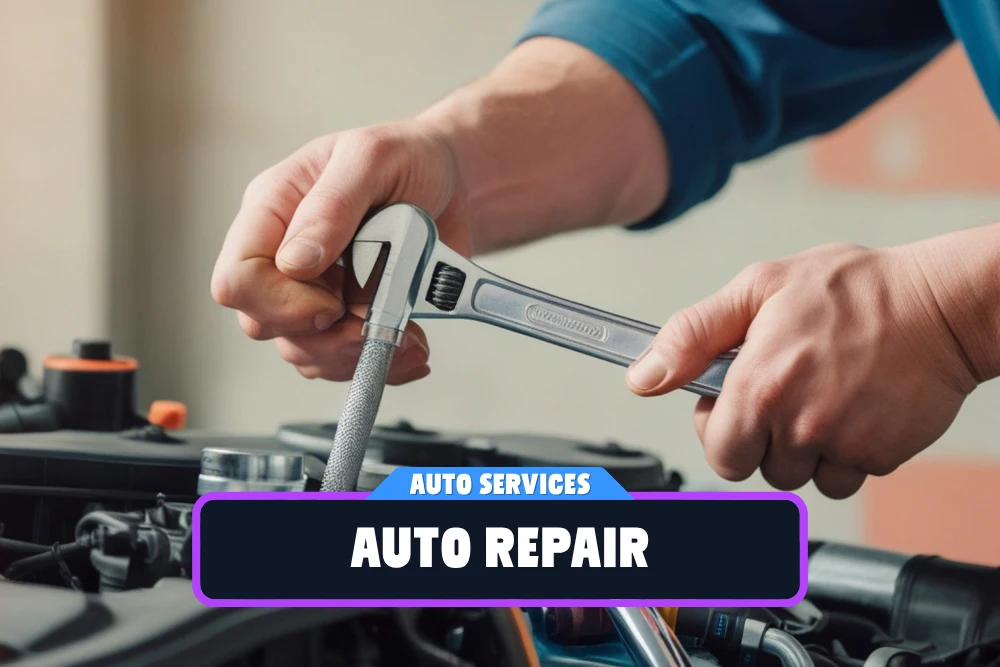
Repair → mechanical or electrical issues
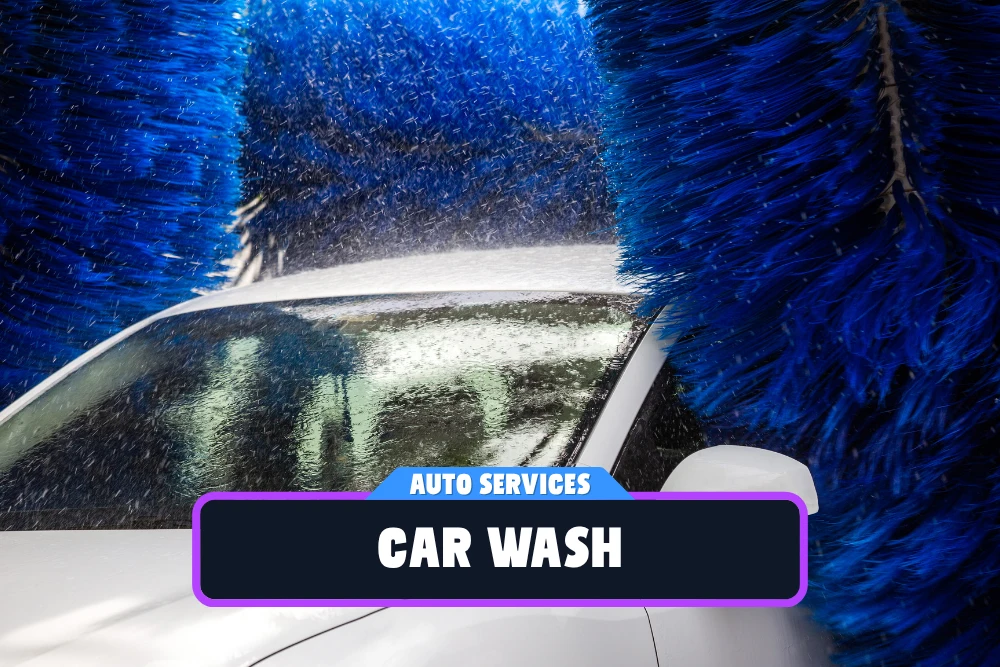
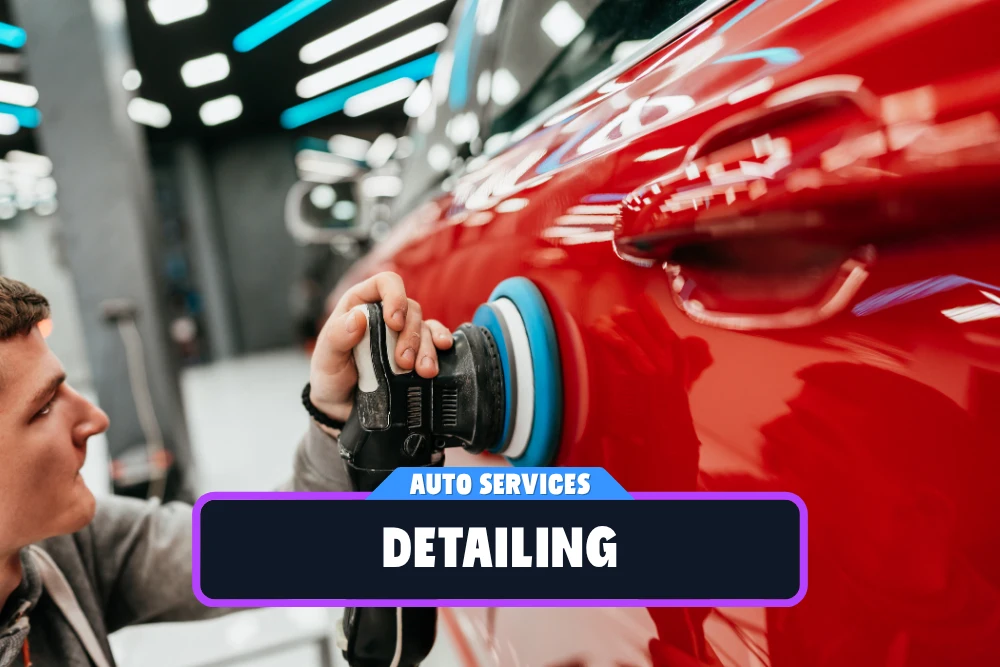
Cleaning → car wash, detailing
Upgrades → tuning, improvements
Select Your Vehicle
Cars → everyday vehicles
Motorcycles → bikes & scooters
Vans / Trucks → commercial vehicles
All Vehicles → general services
How Do You Want the Service?
In Garage → visit the location
On-site → technician comes to you
Roadside → immediate assistance
Pickup & Delivery → full-service convenience
Availability & Budget
Response Time → same-day, scheduled, emergency
Service Speed → quick fix, standard repair, full service
Pricing Level → budget, mid-range, premium
Service Packages → basic, advanced, full maintenance
AUTO SERVICES
Hybrid Shortcuts
Hybrid Shortcuts will be continuously shaped by the information, services and unique features provided by businesses. As listings grow and improve, discovery becomes smarter, faster, and more personalized across ListDome.
We’re sorry but we do not have any listings matching your search, try to change you search settings
Own an Auto Service Business?
Before creating a new listing, search ListDome to see if your business is already listed. If you find it, simply claim ownership and manage your profile. If your business is not listed yet, create a new listing and start reaching more customers.
Appear in category, region and AI search results.
Showcase photos, services, contact details and reviews.